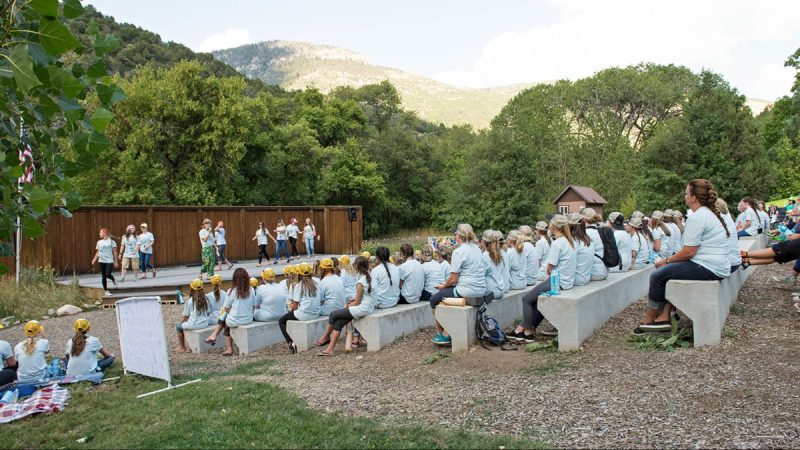
Beginning in the fall of 2026, the process for reserving one of the 155 recreational properties owned by The Church of Jesus Christ of Latter-day Saints in the United States and Canada will become simpler, provide better support for combined youth programs, and offer greater flexibility for leaders.
Reservations for Church camps will also be available in November each year, after the For the Strength of Youth (FSY) conference schedules are announced.
New Reservation Priority Order
Youth groups can begin registering on the dates shown below.
Stake Youth Groups
- First Monday in November: May begin reserving their assigned camp location.
- Second Monday in November: May begin reserving any camp location.
Ward Youth Groups
- Third Monday in November: May begin reserving their assigned camp location.
- Fourth Monday in November: May begin reserving any camp location.
Non-Youth Stake and Ward Groups
- First Monday in December: May begin reserving their assigned camp location.
- Second Monday in December: May begin reserving any camp location.
All Church Members and Families
- First Monday in March: May reserve any camp location.
What Leaders Should Do
- View information and reservation options at camping.ChurchofJesusChrist.org.
- Coordinate early as ward leaders, stake leaders, and camp councils to confirm reservation plans.
- Be considerate of the needs of others and book only what is needed for your stake or ward. Do not book multiple camps for the same dates.
Reservation Access and Availability
The following callings have access to make reservations: ward and stake council members, plus counselors, secretaries and assistant clerks.
For questions about reservation access or technical support, contact the help line toll-free at 1-800-537-5932.
How To Make a Reservation
- Sign in to camping.ChurchofJesusChrist.org using your Church account.
- Select Units (Stakes & Wards) as the Reservation Type. If this option is not available, you may not have permission to make a reservation for your unit.
- Change Group Type from Other to the desired type of reservation (such as Young Women, Aaronic Priesthood Quorum, Youth Combined).
- Complete the remaining fields and select Find Camps.
- Select a camp and review availability. Change Check In and Check Out dates to see what date ranges are available.
- Click Reserve on the desired campsites to add them to your cart.
- Go to your cart and follow the checkout process.
- Contact the camp for questions regarding your reservation.
- Proceed to the Finish Reservation tab and review the separate Terms and Conditions links at the end of the checkout process.
Note: If you need to make any updates to your reservation, do so before March 1.