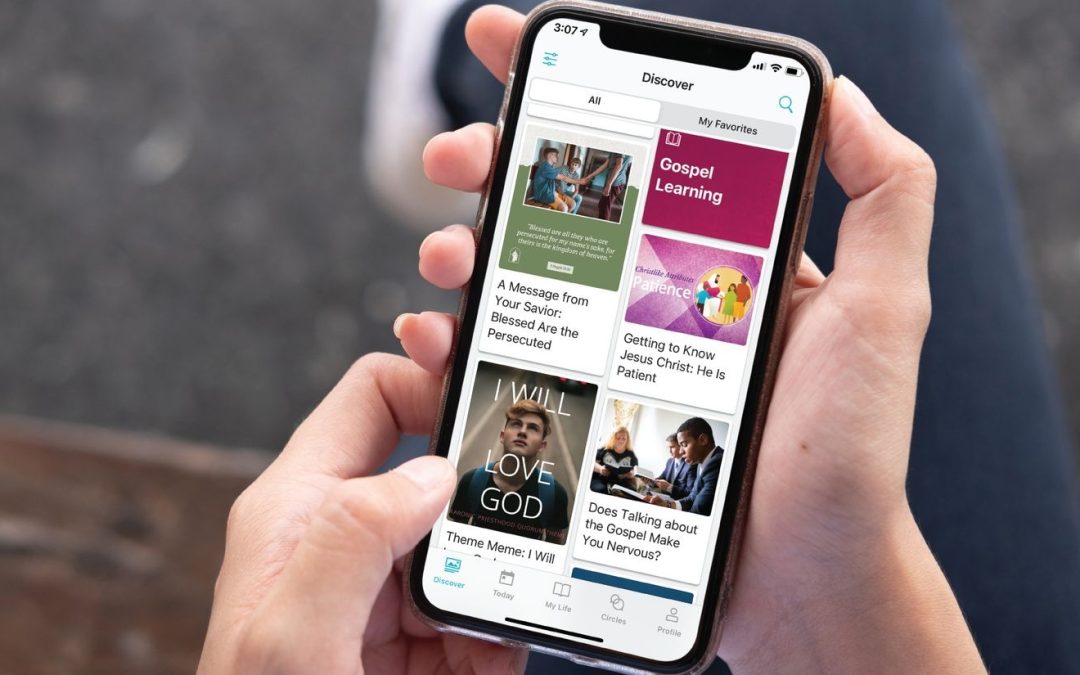
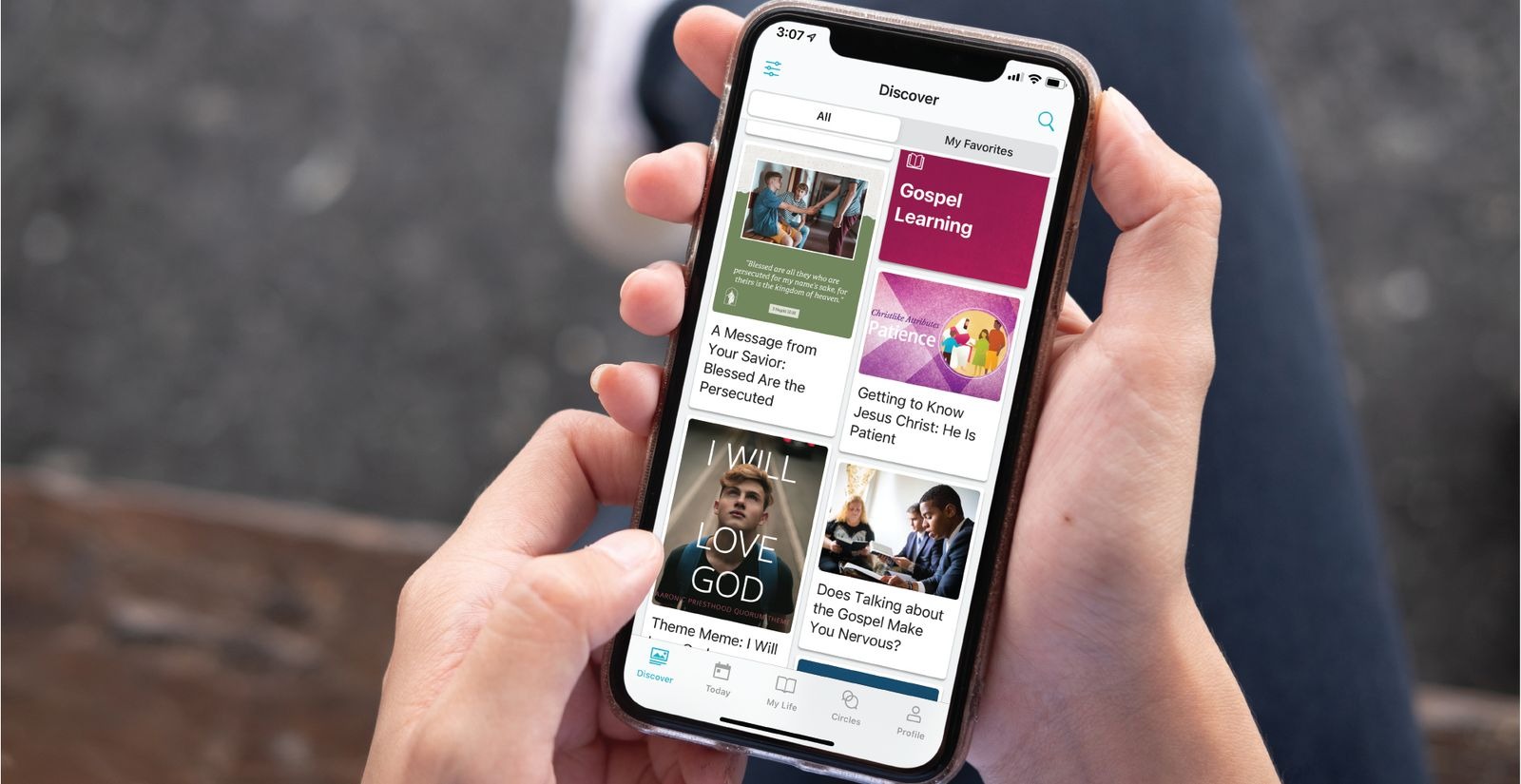
As part of the Church’s refinements to the Children and Youth Program, the Gospel Living app will be discontinued. Beginning December 31, 2026, you will no longer be able to create new goals or activities in the Gospel Living app. Existing goals and past activities will remain available while the app is being discontinued.
You can now record your goals (“FSY invitations”) and your experiences in the Gospel Library app, where they will be saved year after year.
How to Record Invitations in the Gospel Library App
1. Tap the FSY Sunday Lessons tile on the home screen or on the Youth tile of the Gospel Library.

2. Tap Study Now to see the lesson.

3. In the “Promised Blessings” section of the lesson, tap Choose an Invitation. You can then enter the invitation you have chosen to accept.

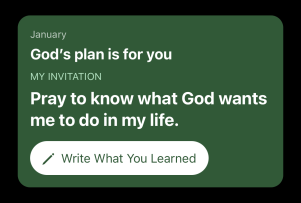
4. Whenever you go to the lesson, the invitation you accepted will appear at the top of the lesson. You can tap Write What You Learned to enter the results of what you did.
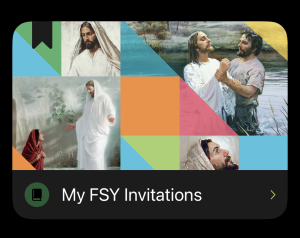
5. To see all the invitations and experiences you have entered month after month, tap the My FSY Invitations tile in FSY Sunday Lessons.